Draw it once. Find it forever.
Your diagrams, organized, versioned, and private.
A free whiteboard with folders, one-click version restore, and end-to-end encryption. Start drawing now, no account needed.
Free. No credit card. Sign in only when you want to save.
Built for diagrams you want to keep
The Excalidraw canvas you already know, with the parts that stop sketches from getting lost.
Organize
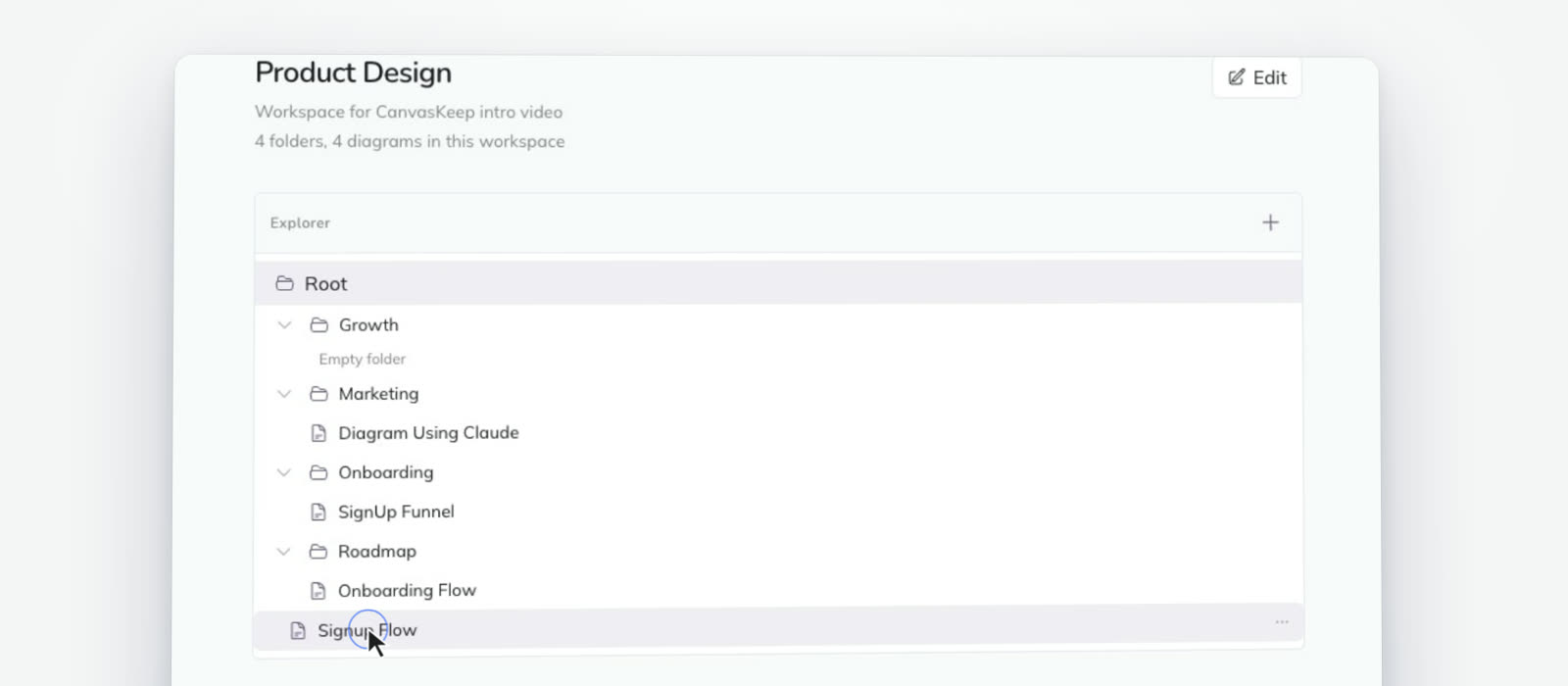
Everything in its place
Group diagrams into workspaces and nested folders, then drag any diagram where it belongs.
Versions
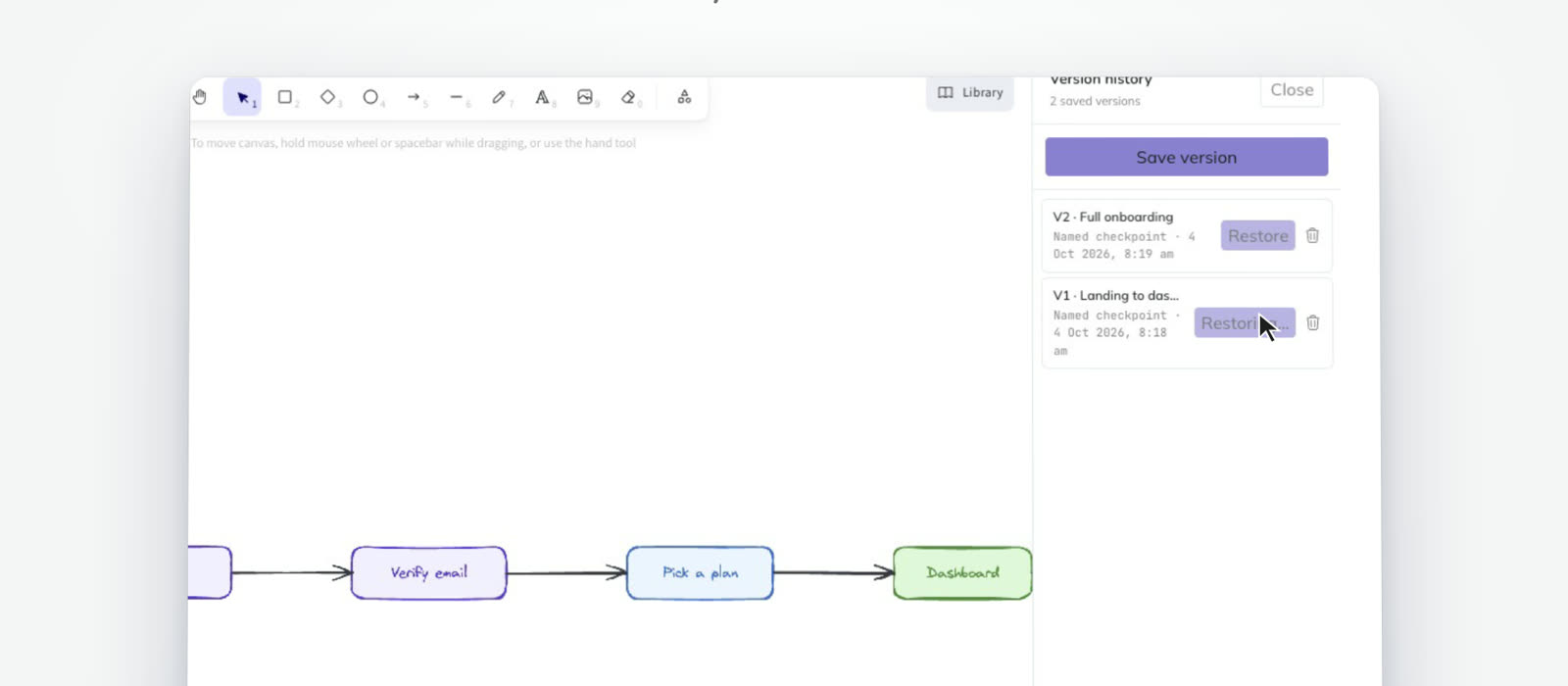
Every version, saved
Save named checkpoints, preview any past version, and restore it in one click.
Private
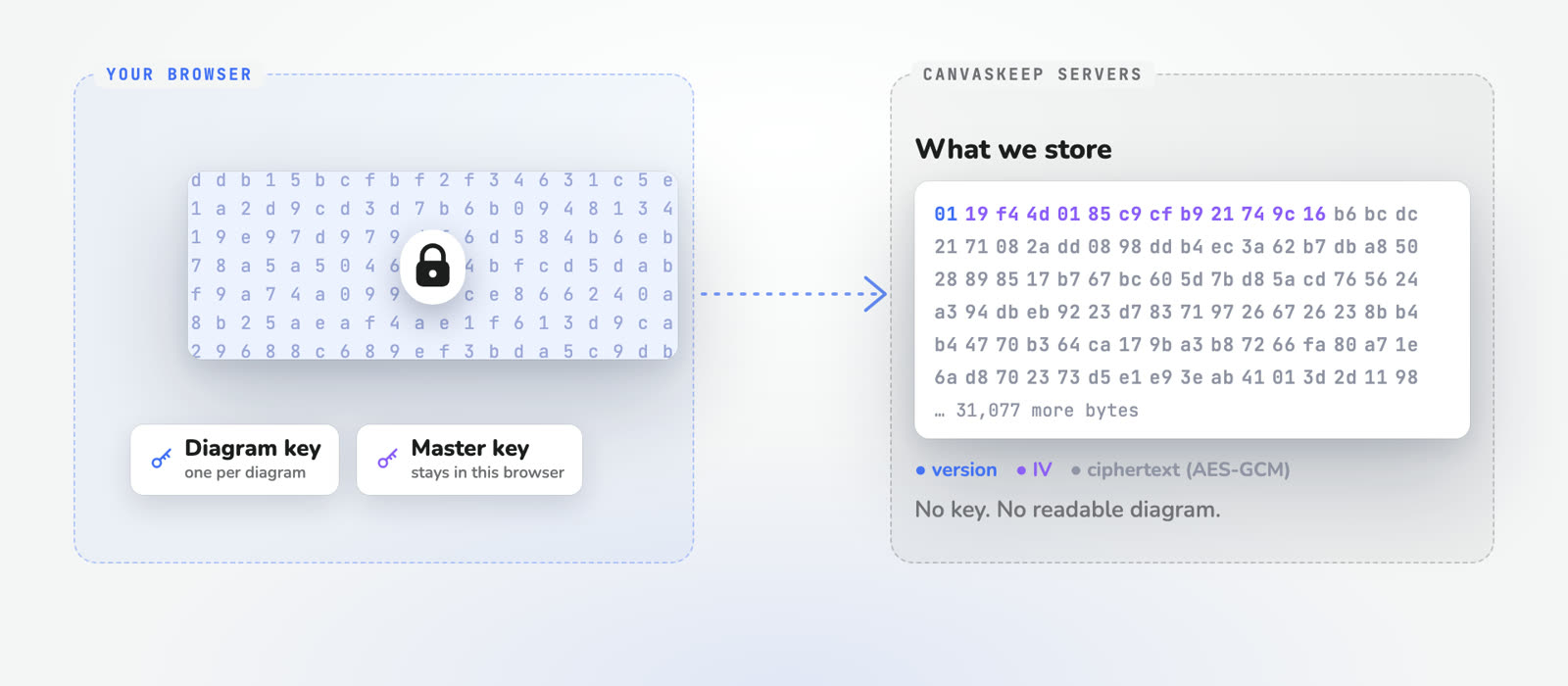
Encrypted before it leaves your browser
Diagrams you draw in the browser are locked with their own key before they are saved. CanvasKeep only stores the locked version, so what sits on the server is ciphertext, not your diagram.
Any device
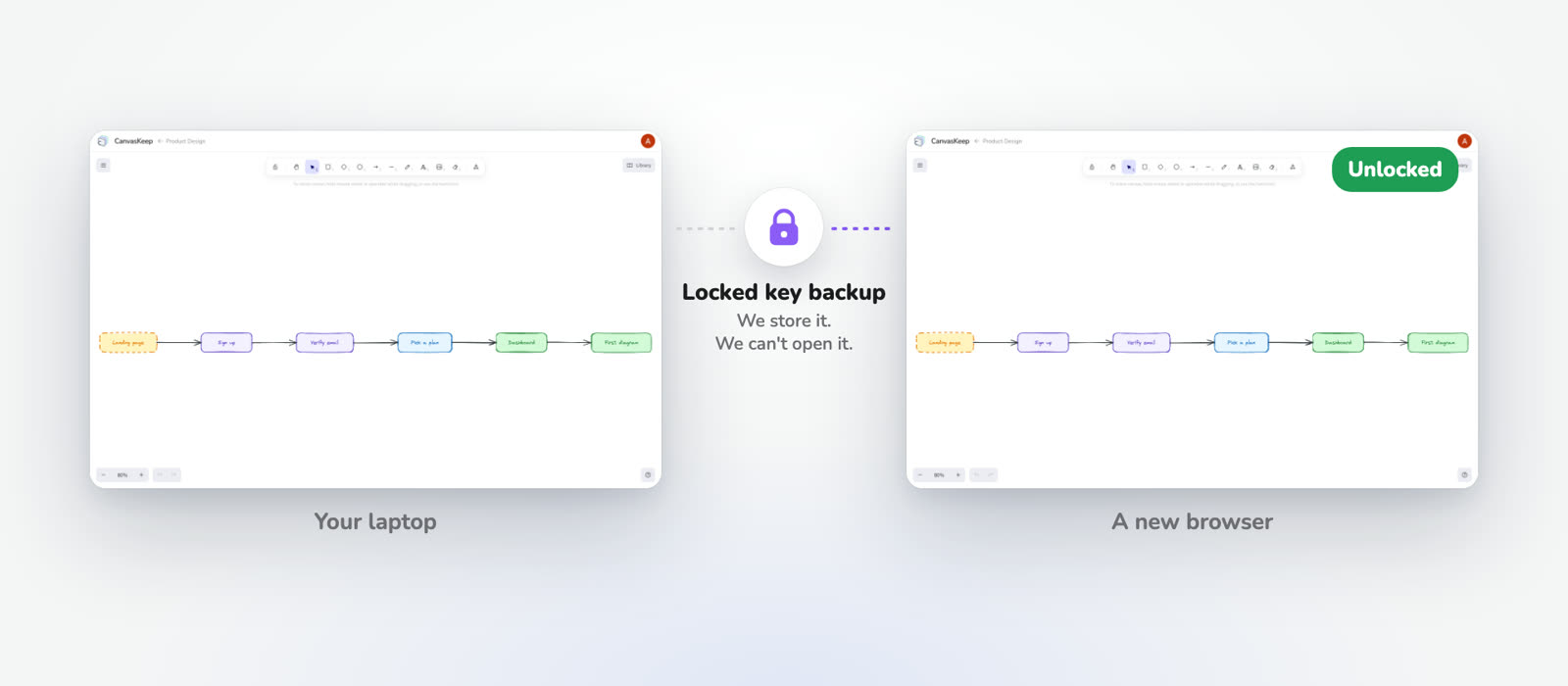
Same diagrams on a new browser
Set a passphrase and keep a recovery key. On a new device your passphrase unlocks your key. CanvasKeep keeps a locked backup that it cannot open.
AI
Let your AI draw it
The CanvasKeep MCP server lets Claude, Codex, or any MCP client create diagrams straight in your workspace.
Set up the MCP server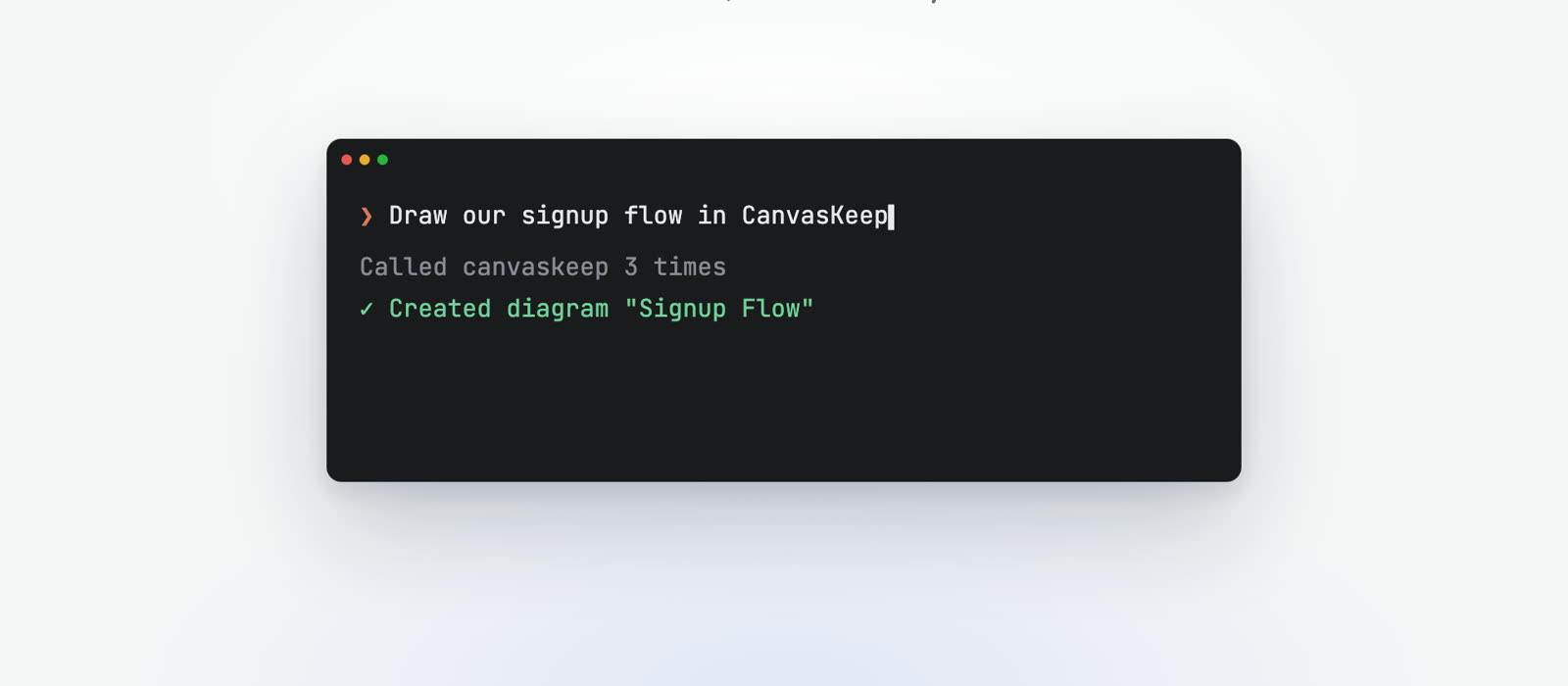
How it works
Three steps. No credit card needed.
- 1
Draw
Open the canvas and sketch your idea. No account needed.
- 2
Save
Sign in to keep your diagrams in the cloud.
- 3
Organize
Nest them in folders. Restore any version.
Built on Excalidraw
The open-source Excalidraw canvas, so it feels familiar from the first stroke.
Encrypted and yours
Diagrams you draw in the browser are encrypted before leaving it. Stored in PostgreSQL and Cloudflare. No ads, no tracking cookies.
Free to start, no strings
Workspaces, folders, and version history included. No trial, no credit card.
Frequently asked questions
- Is CanvasKeep free?
- Yes. Workspaces, nested folders, and version history are included at no cost. There is no trial and no credit card required.
- Do I need an account to start drawing?
- No. Open the canvas and draw right away; your sketch is kept in that browser. Sign in for free when you want to save it to a workspace, where you get folders, version history, and encryption.
- What is CanvasKeep built on?
- CanvasKeep is built on the open-source Excalidraw canvas, adding workspaces, nested folders, and version history on top of it.
- Can I recover an earlier version of a diagram?
- Yes. Version history lets you save named checkpoints, preview any past version, and restore one with a click.
- Where is my data stored?
- Diagrams you draw in the browser are encrypted before leaving it and stored in PostgreSQL and Cloudflare. Only you hold the decryption key. There are no ads and no tracking cookies.
- Can I open my diagrams on another device?
- Yes. Set a passphrase and you get a recovery key. On a new browser, your passphrase unlocks your key. CanvasKeep stores a locked backup of that key and cannot open it.
- Does CanvasKeep work with AI tools?
- Yes. The CanvasKeep MCP server lets Claude, Codex, or any MCP client create and edit diagrams in your workspace using an API key.
Ready to draw?
Start on the canvas now. Sign in when you want to keep it.